
Open source · MIT
Your own AI, on your glasses.
An iPhone app that turns Meta Ray-Ban and sub-$100 Realtek glasses into a voice and vision assistant you choose.
Only
open-source app on GitHub for AiSee and other Realtek-based AI glasses
#1
most-starred Hermes Agent integration for smart glasses
#1
most-starred repository under GitHub’s meta-rayban topic
Adapted
by glasses-platform, which builds its Meta Ray-Ban support on the Hermes Glasses bridge
From GitHub search, October 2026.
Two makers of glasses, one app
Pick the glasses under Settings. No glasses at all works too.
- Ray-Ban Display
- Transcription, replies, choice buttons and turn-by-turn maps drawn on the lens.
- Ray-Ban Meta
- Glasses camera for visual questions, replies spoken back. Connected through Meta’s Wearables Device Access Toolkit.
- AiSee and Realtek
- Camera stills, live feed, the glasses’ Opus microphone, the temple button mapped to actions, and video clips saved to Photos. These glasses usually sell for under $100.
- Phone mode
- The iPhone camera stands in for the glasses and a simulated lens renders on screen.
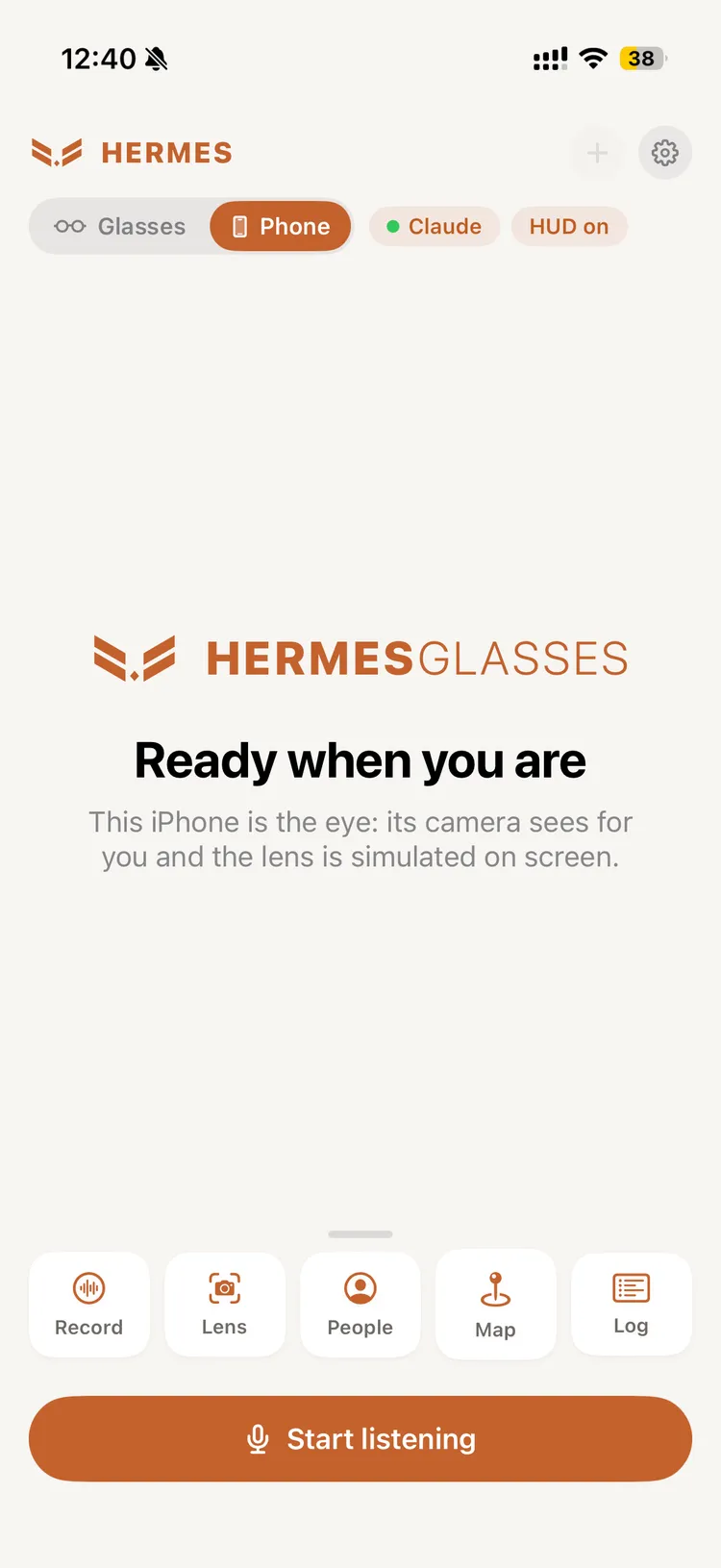
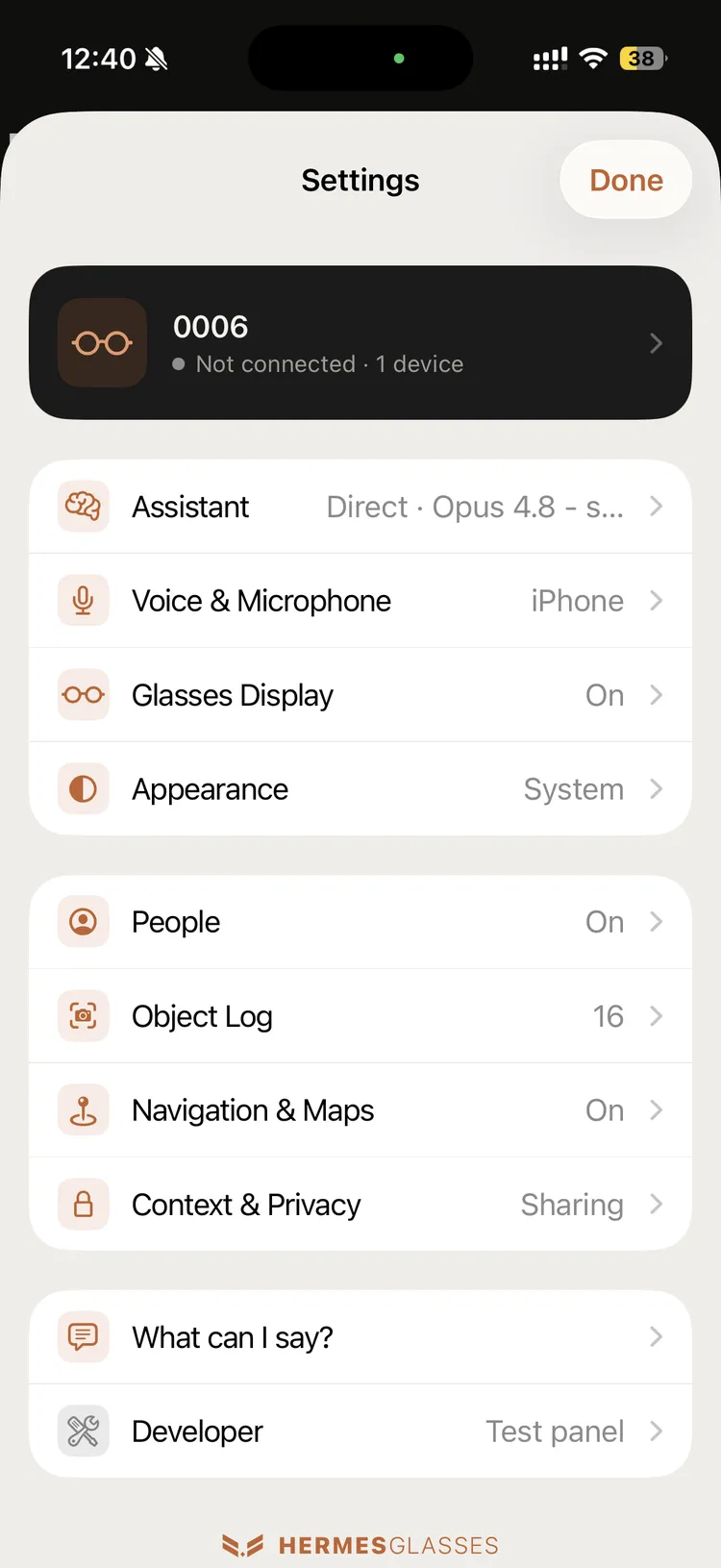
Speak, and the answer comes back on the lens
Your words are transcribed on the phone as you speak. The finished question goes to the AI you chose, and the reply is spoken and shown on the lens. Replies that offer options become buttons you can tap.
- Speech
- Apple on-device recognition, so no audio leaves the phone
- AI
- Claude, OpenAI, Gemini or local Ollama, with your own key
- Context
- Time, place, motion and weather can travel with the question
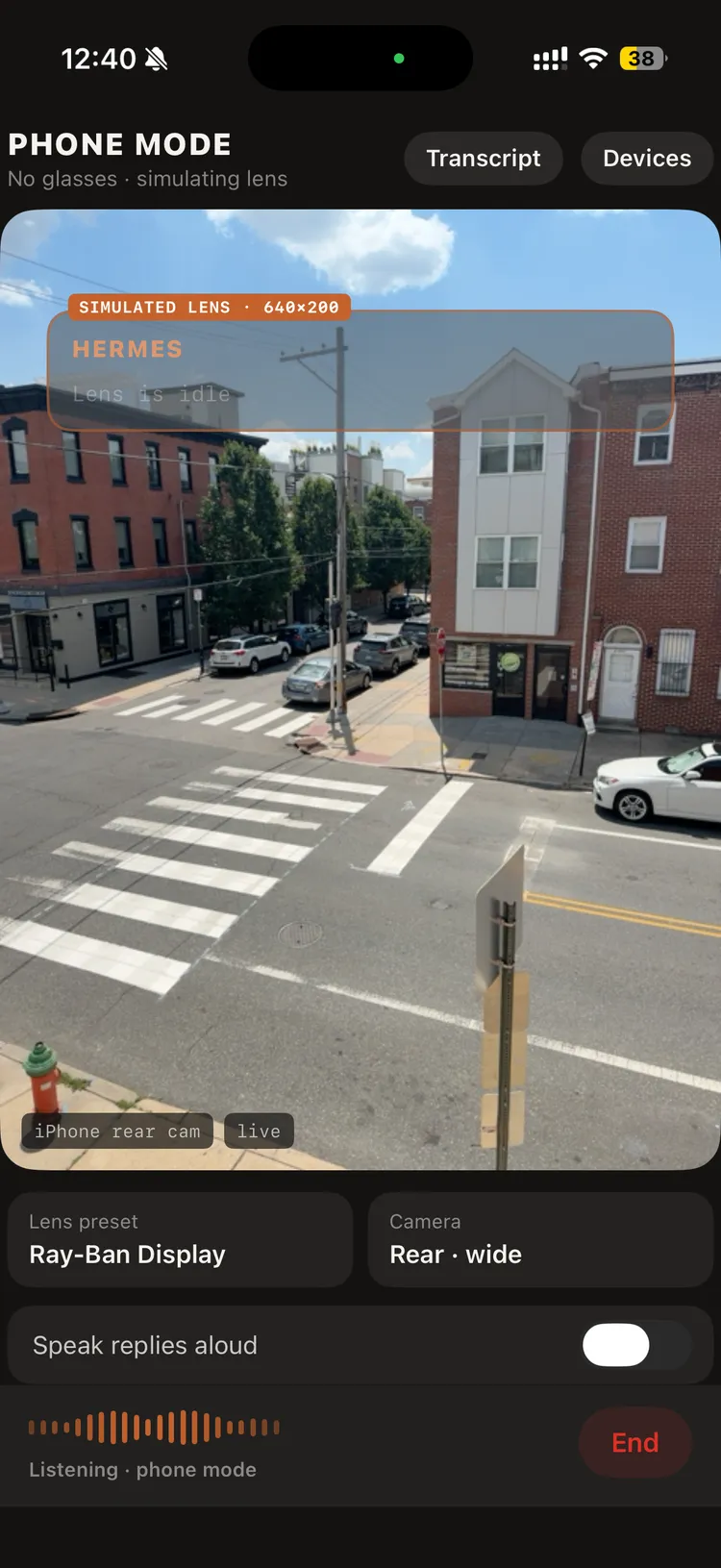
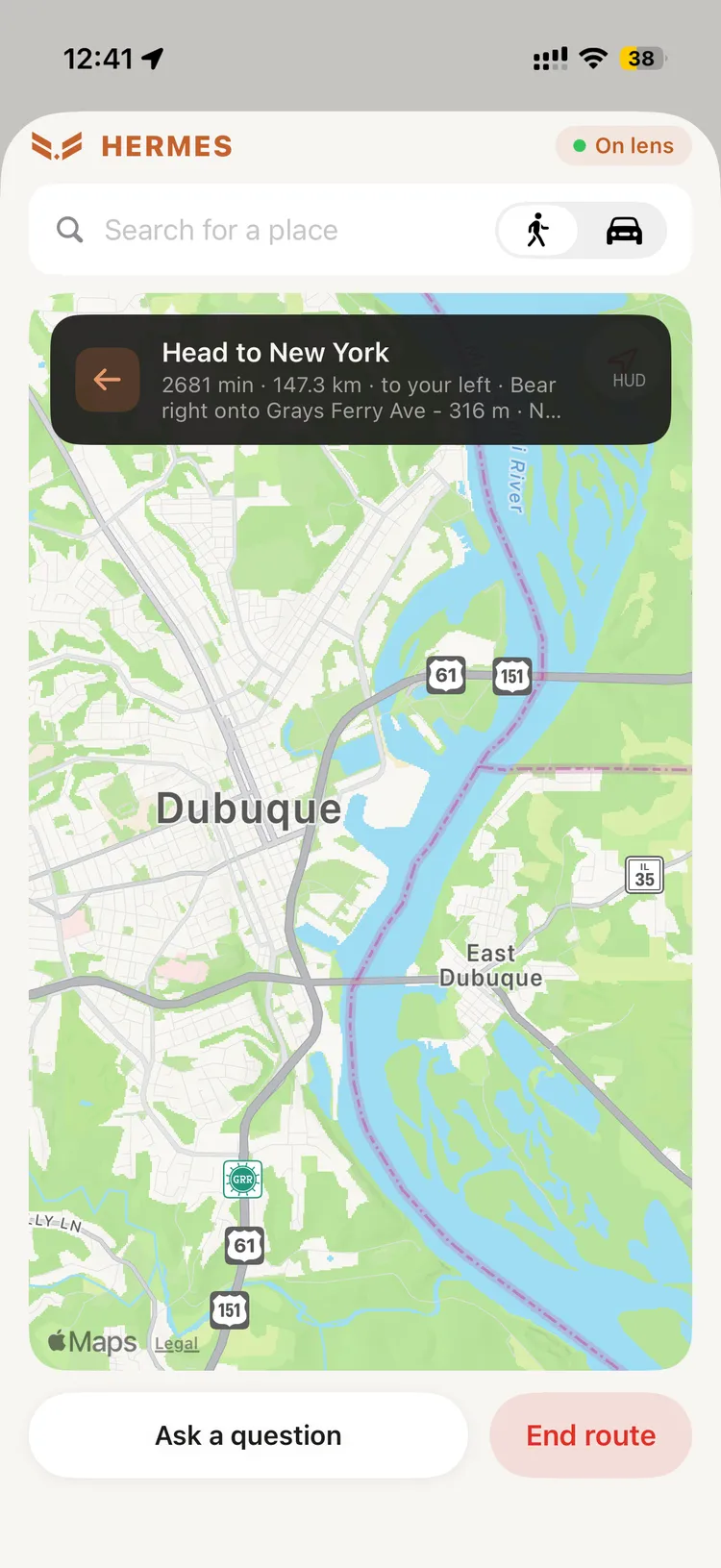
“What am I looking at?”
A visual question takes a photo with the glasses camera and sends it with the question. Directions and object snaps skip the AI entirely.
- Vision
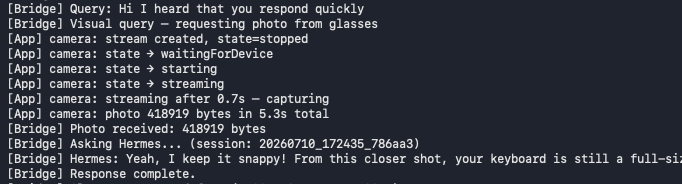
- Glasses photo plus question, about five seconds end to end
- Object snap
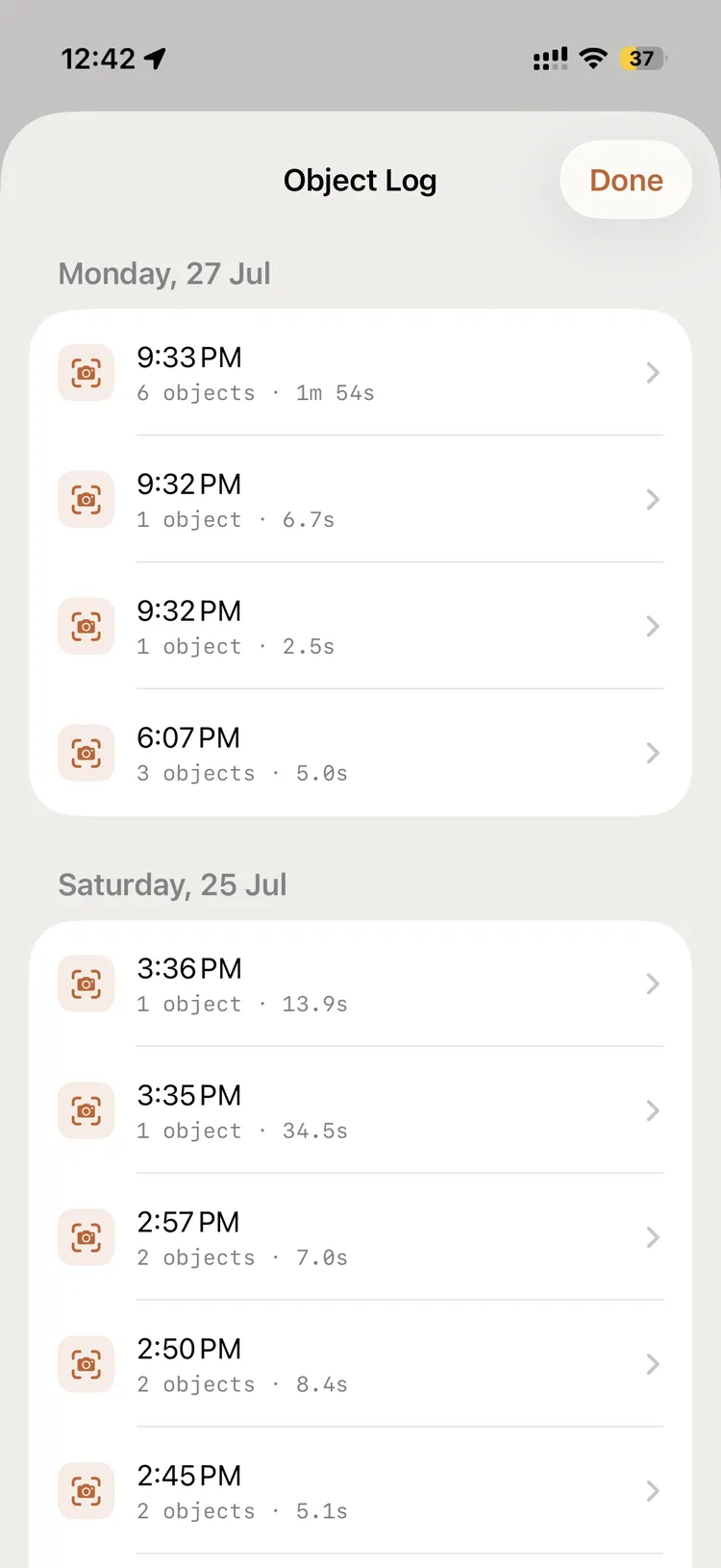
- On-device YOLO11; hold an object in view for 2 s to log it
- Navigation
- “Take me to the station” starts a route, with turns on the lens
A private memory of who you met
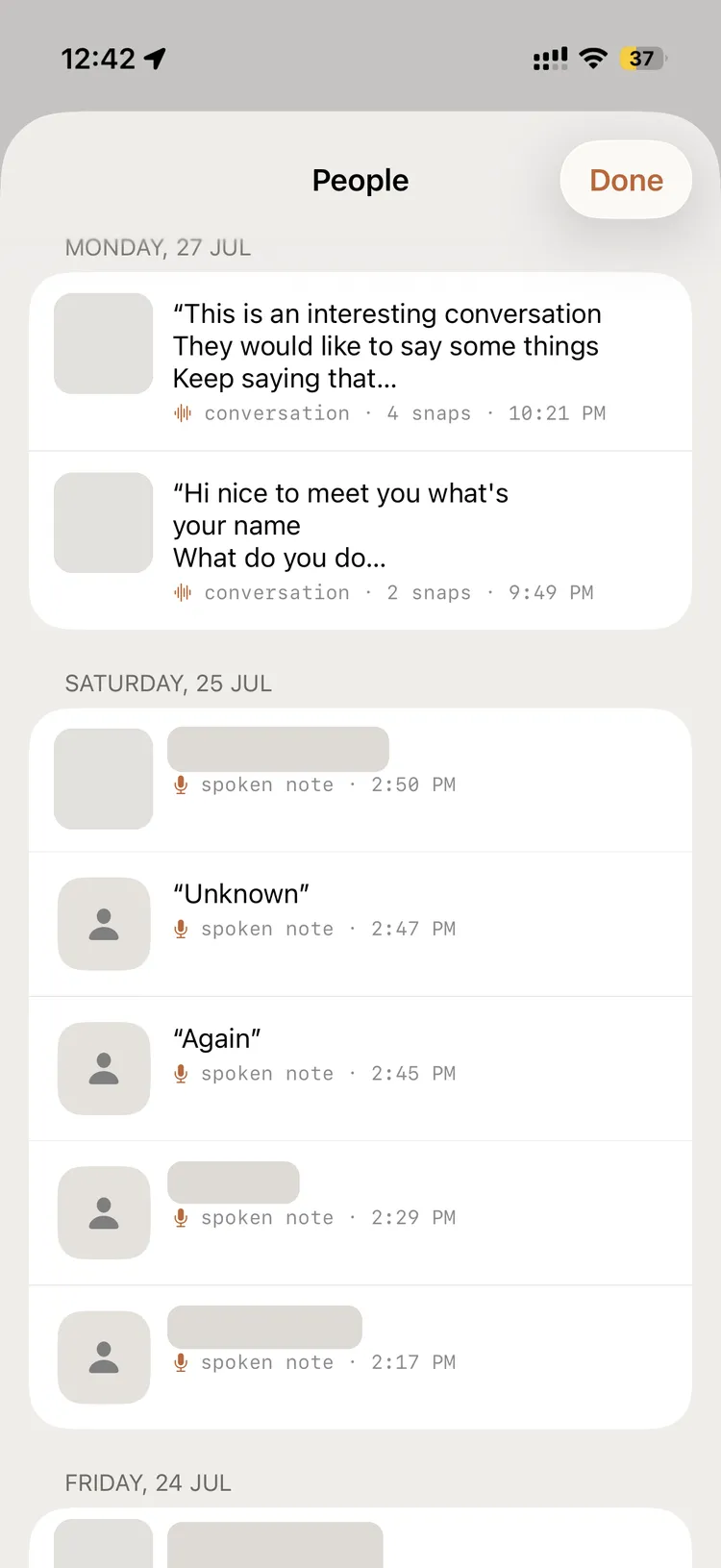
Say “remember this person” and it snaps a photo while you speak a note. Record a conversation and it keeps the transcript with snaps of the people in it.
- Badges
- Name badges read by on-device text recognition
- Storage
- This iPhone only. Never sent to the AI, the bridge or the network
- Exception
- AI badge reading, off by default
Six apps, opened by voice
On the glasses your voice is the launcher. Say the phrase and the app opens.
Lens
Hold the reticle on a thing for two seconds and it is logged, with on-device object detection and no AI call.
People
Remember who you met, with a glasses photo and a spoken note, or record a whole conversation with snaps of who was in it.
Map
Walk or drive somewhere, with turn-by-turn directions and a heading-aware map on the lens.
Log
Every Lens session with its look-times, grouped by day, with a PDF export.
LookupNew
At an event, face someone nearby and their name comes off the roster you imported. Matched on the phone, nothing sent anywhere.
Build CheckNew
Photographs your work every few seconds and checks it against an imported procedure. A mistake on a critical step is spoken at once and holds the run, and every run ends in a PDF report.
Your key, or your agent
Direct needs no server. The phone calls your provider itself, and keys stay in the iPhone Keychain.
Hermes Agent routes through a small Python bridge on your Mac to a Hermes Agent, which brings tools and memory across turns.
What it needs
From the README, as of October 2026.
| Phone | iPhone on iOS 17 or later, built with Xcode 16 |
|---|---|
| Meta glasses | Ray-Ban Meta or Ray-Ban Display, paired in the Meta AI app, with a Meta App ID |
| Realtek glasses | AiSee and others on Realtek’s AI-glasses SDK (RTL8773D and RTL8735B) |
| AI | A Claude, OpenAI or Gemini key, or a local Ollama |
| Agent mode | A Mac with Python 3.11+ and Hermes Agent, over WebSocket |
| Known limit | On Meta glasses the glasses mic and the lens cannot run together; headset mode is the workaround |
| Licence | MIT |
Built in the open
MIT licensed. Fork it, build on it, or bring it to your glasses with us.